Our icons

Our icons are designed to help illustrate and signpost key categories, subjects and messages. They should draw the eye and help the reader understand what we’re saying. Plus reinforce our brand through colour and style.

We have two tiers of icons, introduced over the following pages.

Our icons

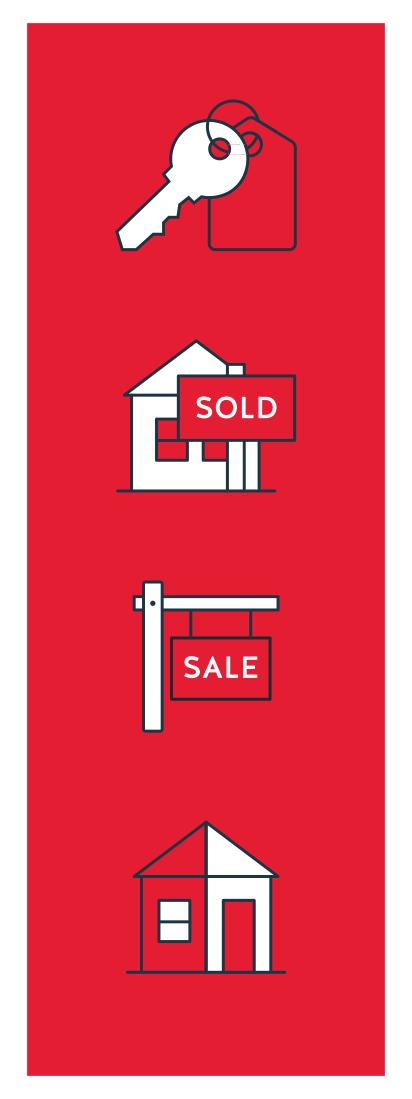
Large, primary icons

Simple pictograms

Our icons are designed for consistency in a flat, linear style. They’re created on a 200 x 200px canvas with10px margins, in Adobe Illustrator.

The keylines are set at a 3pt stroke width, with curved caps.

There’s always a solid element of Pepper Red to reinforce our brand identity.

Where an icon features copy, it should be set in Halis, normally in capitals. As shown in the examples here.

Two colourways

When used over light, white and Pepper Red backgrounds, we use our primary colourway icons. For these icons, the keyline is set in our brand Deep Blue.

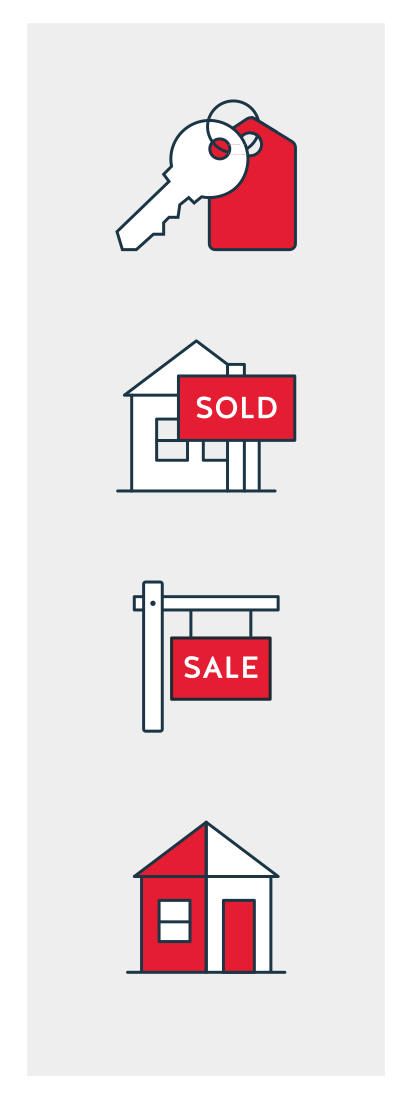
The colour-fill within the keylines is set to white, except for the highlight section in Pepper Red. When used over dark backgrounds, we use our secondary colourway icons, where the keyline is set in white. The colour-fill within the keylines is set to Deep Blue, except for the highlight section in Pepper Red.

The Pepper Red colour block remains the same across both colourways. Any copy over red is set in white.
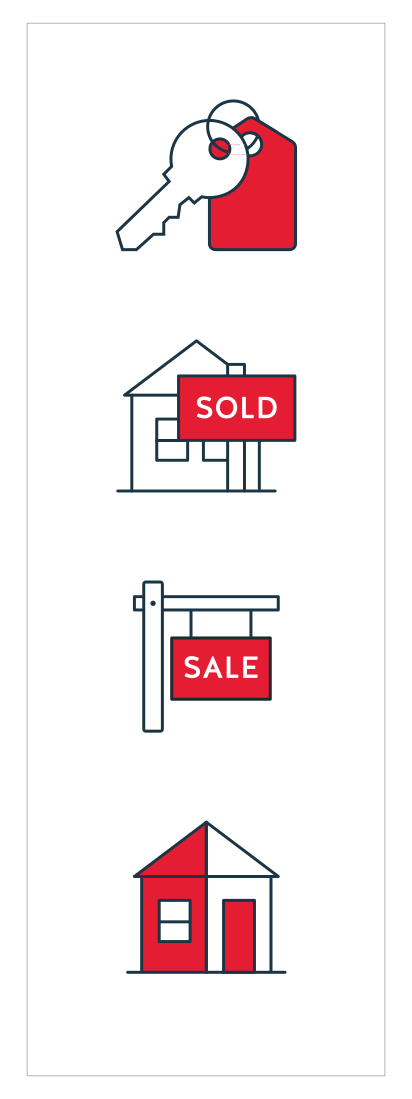
Primary colourway icons for White, light and Pepper Red backgrounds


Secondary colourway icons for Deep Blue backgrounds

Our icons

Large icons with feature figures

Stages that stand out

Sometimes we break up information with large numerals to indicate stages or lists. We can combine these with our large icons, to offer additional visual cues about the subject matter.

Scale

The relative proportions of the elements may vary. But the icons should normally be half, or less than half, of the height of the numbers.

To ensure consistency, all numbers should be the same type size as each other, and all icons should be the same size as each other too. Both elements should appear to share the same baseline.

Colourways

On light and white backgrounds, we can set numbers in Pepper Red, Deep Blue, or a paler tint of Deep Blue (such as the 20% tint used on white here). Pair these with primary colourway icons.

Primary colourway icons must also be used on Pepper Red. Set figures in white to ensure legibility. Secondary colourway icons must be used on Deep Blue. Set figures in white to ensure legibility.

Tints/full Deep Blue, or Pepper Red numbers with primary colourway icons on White and light backgrounds
White numbers with primary colourway icons on Pepper Red
White numbers with secondary colourway icons on Deep Blue

Our icons

Small, secondary icons

Digital set

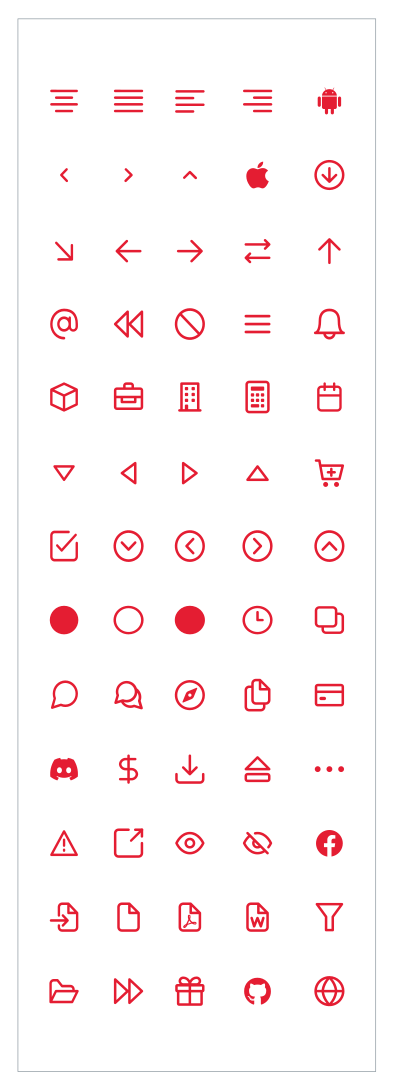
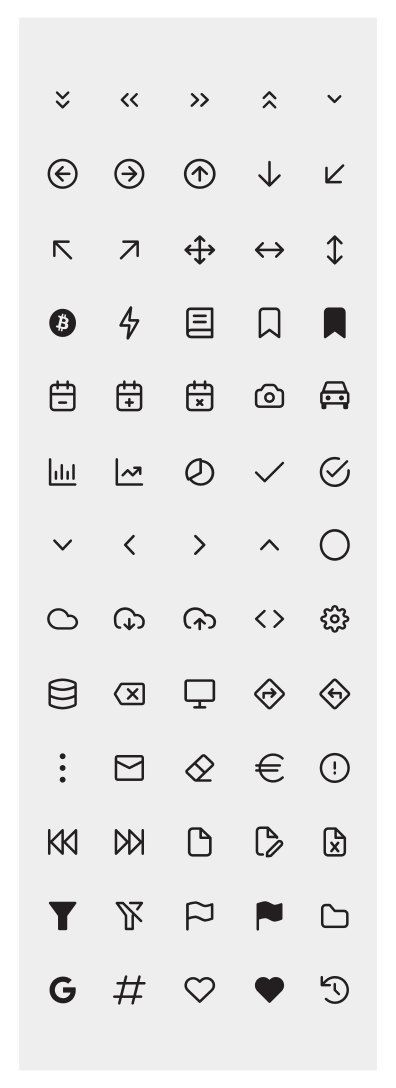
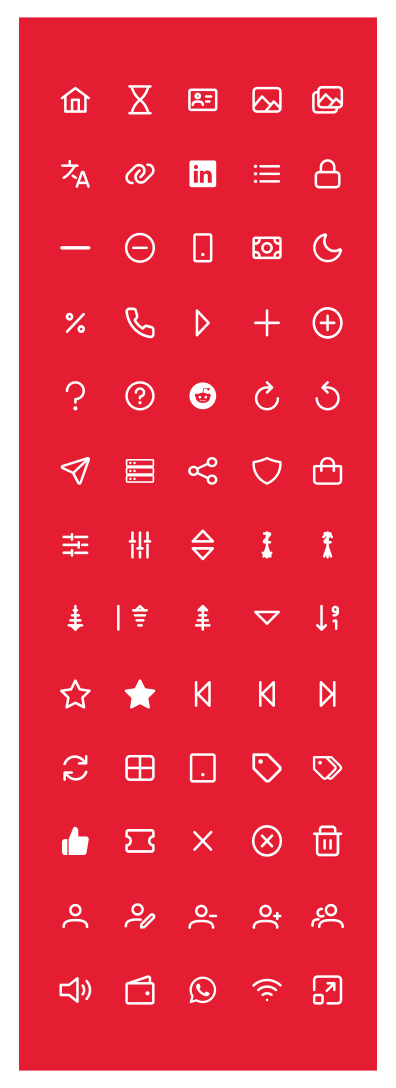
Our secondary icons are a fixed digital set from PrimeFaces. We mainly use these on our website.

Colourways

Our small icons can be used in three colours.

  • Pepper Red on light and white backgrounds.
  • Black on light and white backgrounds.
  • White on Pepper Red, and all other dark backgrounds.

Red icons for white and
light backgrounds

Black icons for white and light backgrounds

White icons for Pepper Red and Deep Blue backgrounds